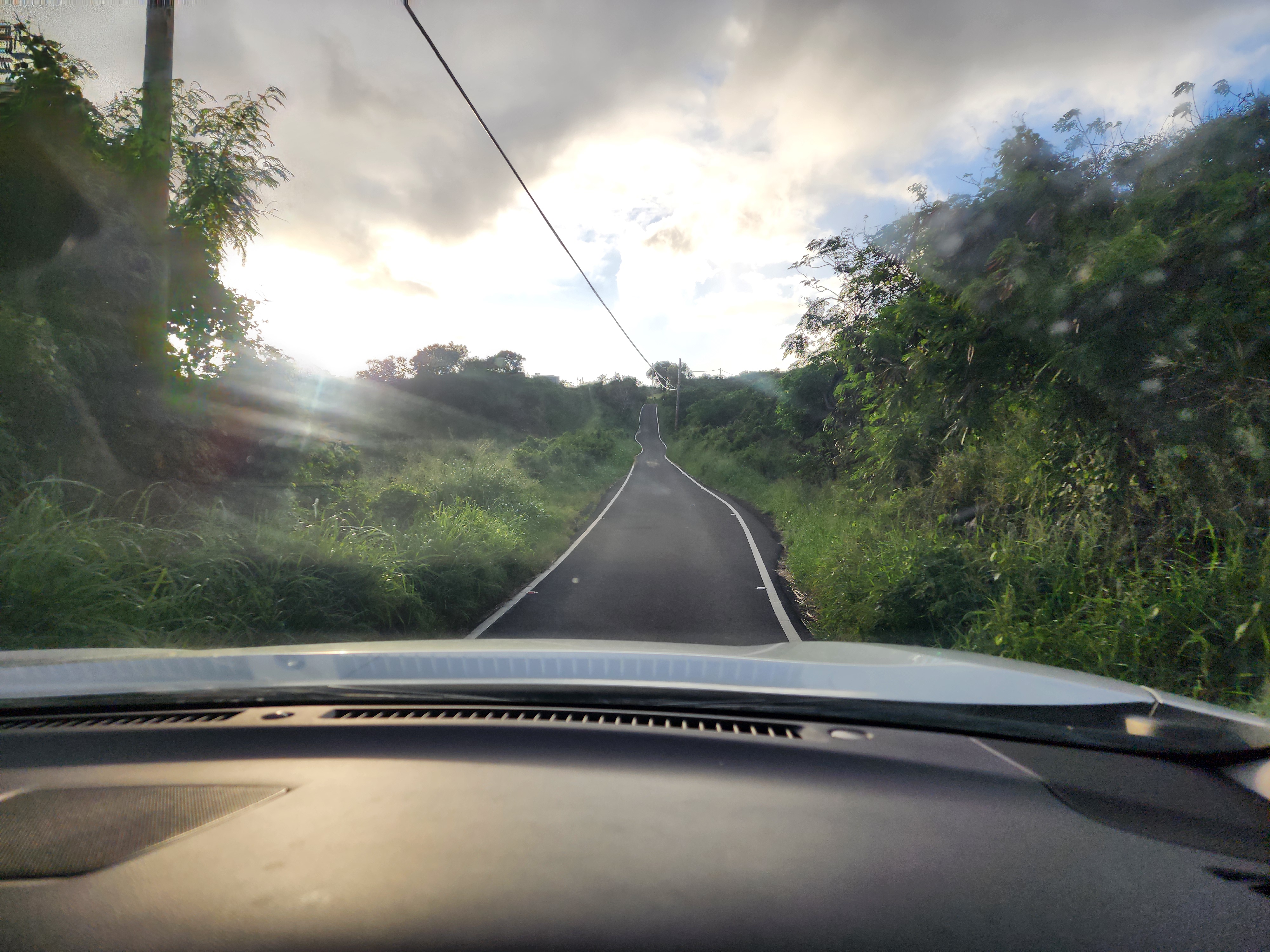
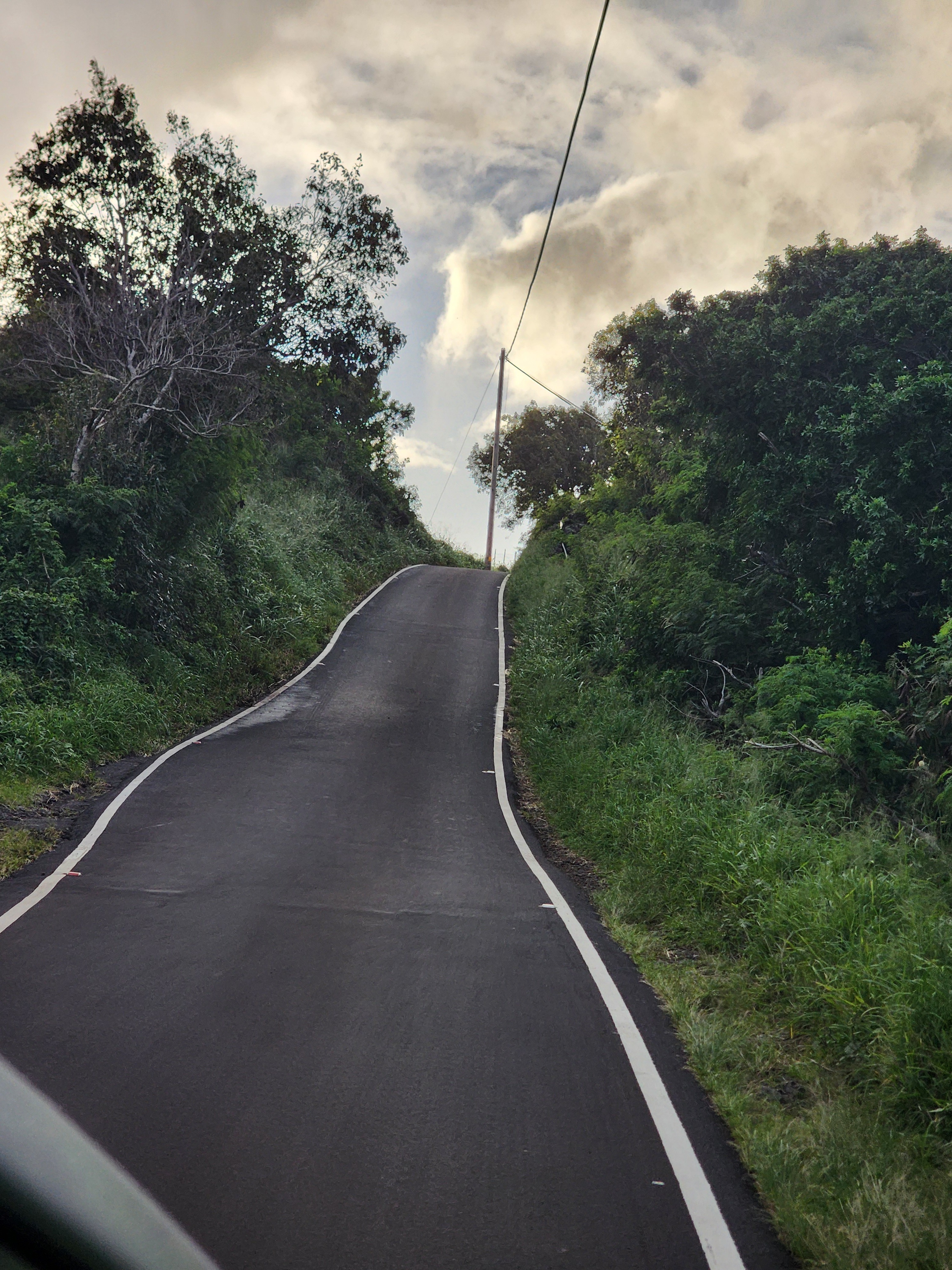
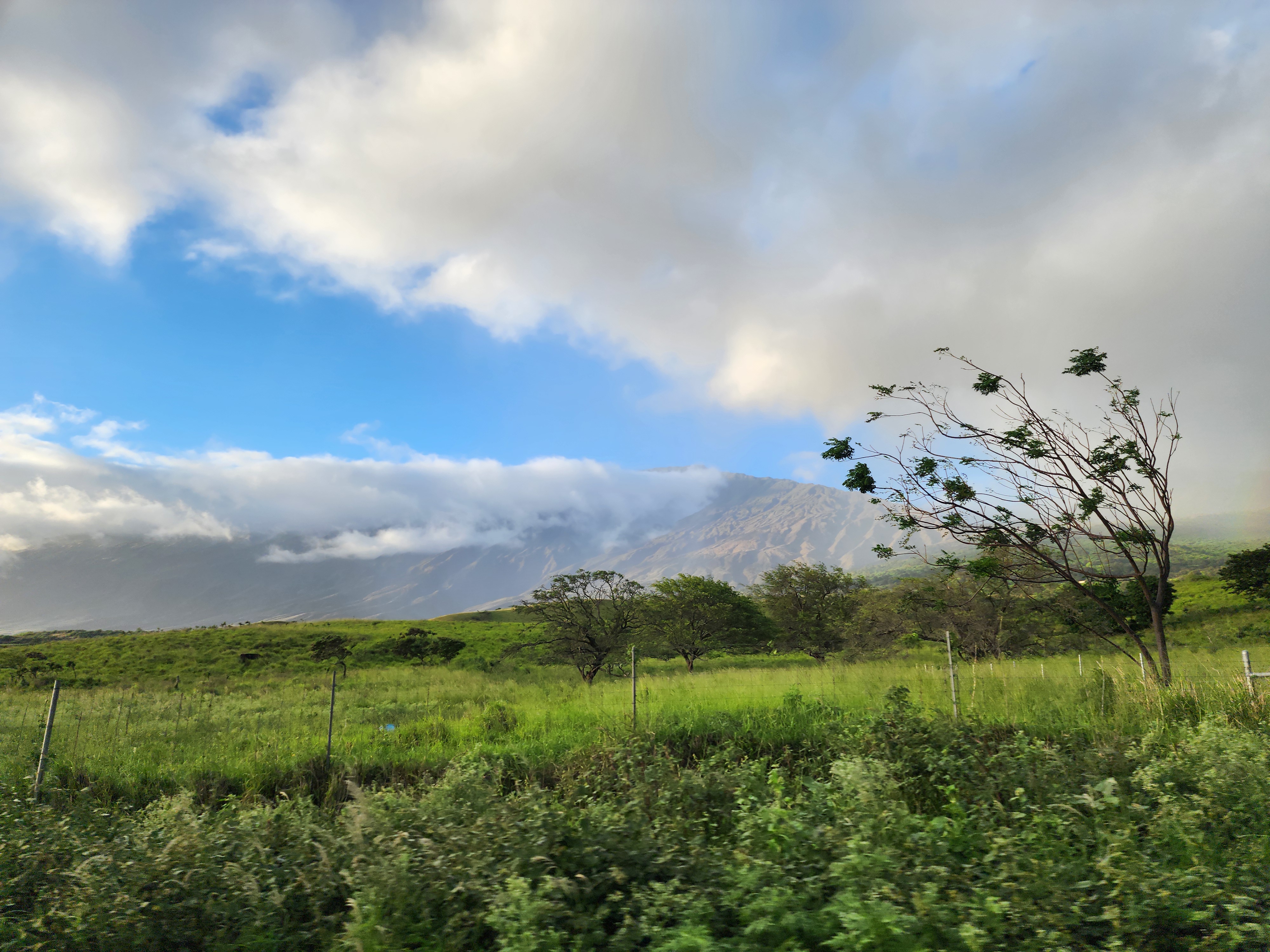
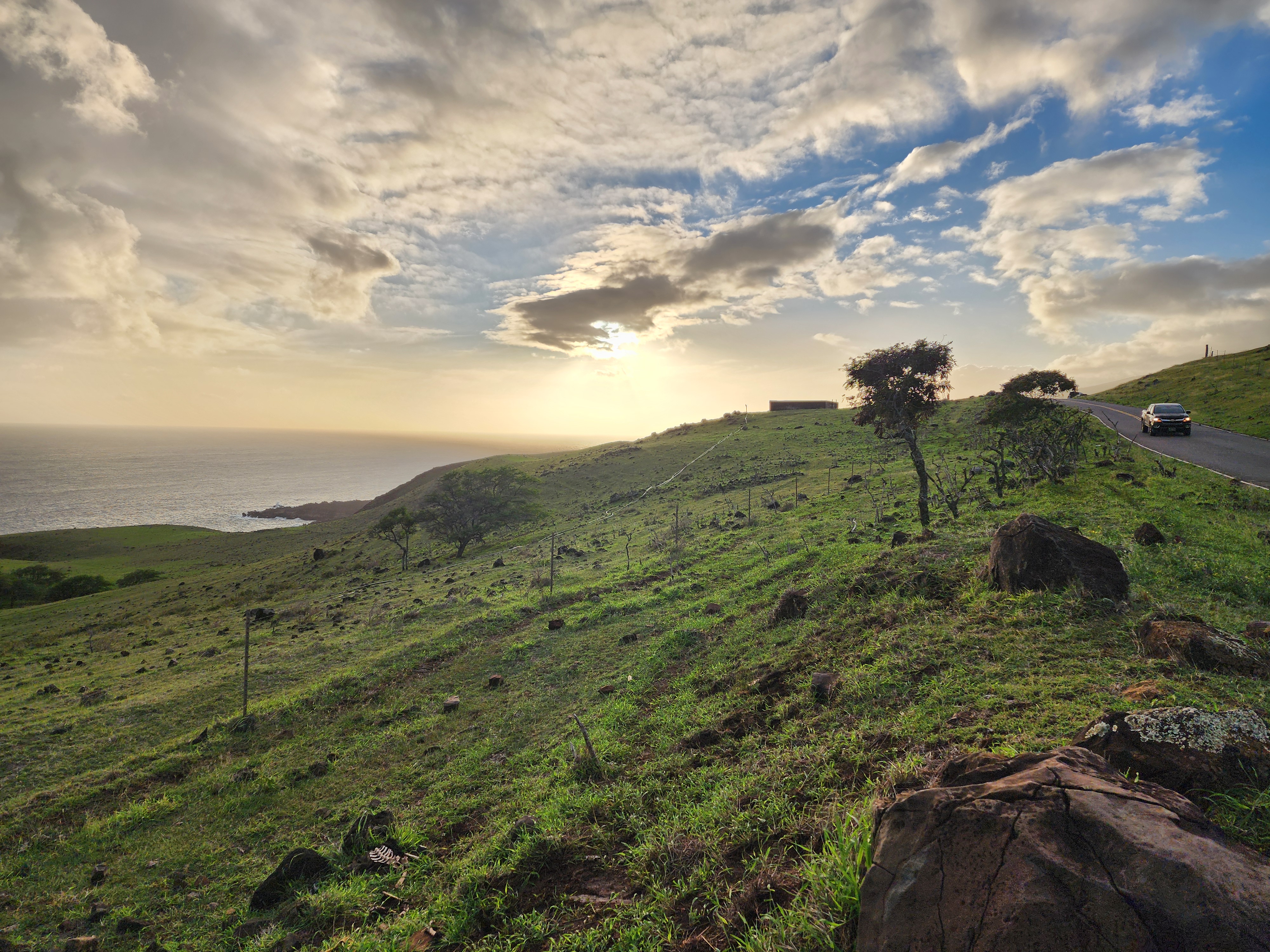
Thankfully I ignored this snarky sentiment, and as we descended from
Haleakala's
summit we turned off the main road, and headed to the the small
campground and hiking area that is Hosmer Grove.
Even before we explored the grove, I came across these two fine
specimens:
These
are Nene,
or native Hawaiian geese.
While related
to the Canada goose, these birds have been residents of Hawaii
long enough that they've become optimized for a world filled with
lava flows and not
wetlands. First silverswords,
and now Nene--we were on a native species run. This sighting alone
made the trip to the grove worth it. But wait, there's more!
The first thing I noticed while walking on the
short nature
trail was the smell. The cedar trees were especially fragrant;
what an unexpected treat. In fact, many of the trees in the grove are quite towering, so
while they may be alien, they're still quite impressive.
But the real win of the day was getting to watch the I'iwi, tiny, brightly
colored birds, with distincively hooked beaks, flit from tree to tree
to nosh on nectar. The grove is at 7,000 feet: low enough that
vegetation thrives, but high enough that mosquitoes don't, so it's
prime I'iwi territory.
The secret to glimpsing the I'iwi was explained to me by a hiker
lugging a DSLR with a massive lens. The bird is after the flower's
nectar, so plant yourself in front of trees with blooming flowers
and wait. The advice was solid, and I didn't have to wait long
before the birds made an appearance.
Lacking a tripod and high powered lens, I struggled to get photos
with my phone. Here's about the best I could do:
My compact
Pentax
Papilio II binoculars served me quite well in the grove and on
this trip in general. They let me get sharp, close up views of the
birds, all with minimal bulk and weight. But alas, I didn't have a
way to capture this perspective.
In most respects, the cell phone
plus lightweight binocs are the perfect combination. With the cell
phone tucked in my pocket and binoculars in a small case on my
belt, I hardly notice the gear until I need it. But what does it mean
that I can't share photos of what I'm actually seeing? The
photographer in me finds this utterly disappointing. But the
practical side of this set up is hard to argue with. Like many gear
optimization questions, this one remains unanswered.
It's not unusual for nature trails to promise the opportunity to
see exotic wildlife; but in the case of Hosmer Grove, it delivered. This hike is a must do. Come prepared to slow down and see
some of Hawaii's most impressive natives.
After a few minutes in the car with the heat blasting, we were finally
warmed up enough after
watching
the sunrise
to make our next move. The plan was to hike part of the
Sliding
Sands (Keonehe'ehe'e) trail. Once thawed out, I was eager to get started.
Sliding Sands, we read, consisted of a 9 mile hike into the
Haleakala crater, followed by 9 miles hiking back out. The trail has
a reputation for spectacular views, and martian like terrain. The
trail starts from the visitor center's parking lot which is a
short drive from the summit.
Another critical feature of the hike we picked up during our research was that the views
remain relatively consistent. So whether you hike one mile into the
crater or nine, you don't really see anything different.
Like the drive to the summit
of Haleakala,
I worried that this hike would trigger my fear of heights. Yet,
looking out over the massive expanse at the start of the trail, I
realized that there was nothing fear inducing about what was before
us. The trail was wide and gently sloping; there wasn't a cliff or
drop off in sight.
Once the conditions were visible, Shira and I started the negotiation
for how much trail we'd do. I argued we should hike three, if not four
miles in. Shira was pushing for one. We compromised at two miles.
Those two miles were absolutely stunning. At the start of the hike
we saw a little flora and fauna, but once in the crater, it was
almost exclusively volcanic rock as far as the eye could see.
We made our way into the crater spellbound by the views. The gentle
downhill made the experience a piece of cake.
At two miles, Shira announced it was time to turn
around. Reluctantly I agreed. After some water and a snack, we turned
and headed up hill. It took only a single step before I was
breathing heavily; according to my watch, my heart rate had jumped to
150. Whoa. A wave of fear washed over me: this was going to be no
ordinary hike to the car.
At 10,000 feet, I knew that I'd feel the altitude. But surely I was
fit enough to get at least a few steps up the hill before I hit the
wall. Apparently not.
None of this should have come as a surprise. Sliding Sands comes
with countless warnings that the hike in is easy, but out, not so
much. But I thought that warning was for other people.
Putting panic aside (did we have enough food, water and cold weather
gear to endure hours of hiking ahead of us?), I turned my attention
to a single goal: taking one more step. The experience hiking out of
Sliding Sands became meditative: my mind was clear of all
distractions; there was no past, no future; no failures, no
successes; there was only the step in front of me.
With all the mental drama, hiking the two miles to the car turned
out to be no big deal. The recommendation I heard from a ranger as I
explored the gift shop at the visitor's center was simple: plan to
spend twice as much time hiking out as hiking in. Still, I can't
recall a hike going from easy to challenging so quickly when I'd
already experienced the full terrain.
I asked the ranger in the gift shop if she had any advice to put
what we'd seen in geological context. She explained that the shades
of color we'd seen, from pitch black to deep red, and every shade in
between, was all the same rock. It was that the rocks had been
exposed to air for different amounts of time, so they had different
rates of oxidization. The patches of solid black had been more recently exposed
(maybe 100 ~ 1000 years ago), while the patches of dark red had
been exposed many thousands of years ago.
Playing forensic geologist is fun!
Notable Creatures
Check out these handsome
looking Chukar
partridges we saw at the start of our hike:
Introduced
in 1923
as a game bird, these guys apparently thrive at higher, drier
altitudes. They seem to have little competition up here, so even
though resources are scarce, they still thrive. And they're pretty!
The other notable resident at the top of Haleakala is this guy, a
silversword:
First off, the silversword is a native resident of Hawaii. Hurray!
Finally a true native caught in the wild. Second of all, the above
photo shows a fine specimen, but it's only part of the
story. These plants can live
in this
state for decades, and then finally procreate by sending up a
massive, 6ft tall stalk full of purple flowers. And then they
die. Dang Silversword, drama much?
Last week the White House gleefully announced that, thanks to their efforts,
4000
"criminal illegals" had been removed from the streets of
Minnesota.
My sense is that pronouncement could serve as a sort of immigration
issues Rorschach test. Some will greet this news with a sense of
relief: finally, progress is being made to keep Americans
safe. Others will read the article with a sense of horror, fearing
that countless individuals and families have had their lives
derailed for little more than political theater. To the first group,
border issues revolve around drugs and violence. To the second
group, it's all about neighbors getting swallowed up by bigotry and
bad policy.
Who's right?
Francisco
Cantú's The
Line Becomes a River: Dispatches from the Border brings a
unique perspective to this debate. Cantú is a gifted writer who
spent 4 years working as a Border Patrol Agent. His book, The
Line Becomes a River tracks his experiences, giving the reader
a front row seat to America's immigration challenges.
Warning: Spoilers Below
Cantú gives us views into the border in three acts: first as a field
agent, then zoomed out a bit as he works in border intelligence
and finally, through the lens of a citizen who has a friend
swallowed up by the system. I found the writing to be excellent and
I zipped through the book in record time. I listened to the audio
version, which he read, and found him to be an excellent narrator.
I could tell that I was enjoying the book because I found myself
trying to relay the text to Shira on a regular basis.
I appreciate that Cantú's book is descriptive, not prescriptive. He
doesn't say what border policy should be; he just puts his
experiences vividly out there for the reader to learn from.
He lets the reader connect the dots.
One example, to prove the point. Over the years, the US has made
crossing the border more difficult. Personnel, sensors, cameras,
drones, have all increased the level of difficulty. The hope, of
course, is that this will deter migrants from making the trip. Maybe
for some, the deterrent works. But for many, this simply means that
migrants now need to turn to more extreme means to make the
trip. The result, as Cantú shows, is that a harder to cross border
is an aid to narco terrorists. Desperate crossers are easy fodder
for carrying drugs or serving as kidnapping and ransom victims.
While Cantú doesn't say it, he seems to show it: hardening the
border is a win for the cartel. One wonders what outcome doing
the opposite would be.
So, who's right? Is the border a place of horrific violence, or
the site of a policy that tears apart families and keeps good people
out of our country? My take after reading The
Line is: Yes.
Cantú makes it clear that there is
horrific, out of control violence in Mexico. Narco terrorists
have committed unspeakable atrocities. You can sense the physical
toll on Cantú as he simply tries to process what happens along the
border on a day to day basis. The Line was published in 2018,
so perhaps there have been changes in the level of violence along
the border. But given the scope described in Cantú's writing, it's
hard to imagine it's ebbed in a significant way.
But the story doesn't end there. The narrative of the law abiding,
hard working, community contributing would-be citizen is also
real. Cantú shows us the impact first hand as a beloved father of
three finds himself trying to illegally enter the border to reunite
with his family. Refusing entry to this man means depriving three
vulnerable US citizens of their father. How is that just? How is
that in the best interest of America?
Thanks to Cantú's book, I feel like I have a more complete picture
of the challenges that are at the root of the immigration headlines I
see daily. I'm not sure what the solution is, but at least I
understand the problem better. And that's a start.
Today's adventure was made possible by my wife's dogged persistence. As we
were moments from landing in Phoenix airport, Shira logged
into recreation.gov
and tried to buy tickets for the Haleakala National Park Summit at
sunrise. She had been unsuccessful the day before.
Space at the summit is notoriously limited, so tickets go blazingly
fast. As a rule, the National park makes tickets available 60,
and 2 days out from each date. We failed to get tickets at the 60 day
mark as we had not planned our trip, and failed again the day before at the 2 day mark.
And yet, Shira's determination paid off, and as we touched down in PHX, we
officially had tickets to watch the sunrise from the summit of
Haleakala.
Fast forward to 2am this morning, where we awoke and piled into the
car to drive to this exclusive parking lot.
Ascending from sea level to 10,023 feet, I braced myself for the
trip. Surely this would be a test of my fear-of-heights. And yet,
the test never came. The road switched back and forth up the
mountain, but never got especially steep or cliffy. That was a nice
surprise. In fact, the entire time we were at the summit my fear of
heights never kicked in. I worried about being worried for nothing; classic.
We arrived at the summit parking lot at around 4:40am. There was
plenty of space, so we got to breathe a sigh of relief.
Stepping out of the car, I found the surroundings to be positively
magical. I was expecting high winds and found the night to be
calm. Chilly, but calm. The moon was full, so star gazing was out
of the question. But one can easily imagine how spectacular the
night sky would be on a moonless night. I snapped photo after photo,
trying to capture the magic of the place, but knowing that I was
going to fail.
Ultimately, I rejoined Shira in the car where we stayed warm until
about 6:15am where we trudged up to the summit and took our position
facing east.
We were warned time and time again that viewing the sunrise would be
a bitterly cold affair. And the advice wasn't wrong. It felt a bit
silly bringing winter gear on a tropical vacation, but it was
completely the right thing to do. In fact, I should have packed wind
pants and long underwear. At least we had proper hats, gloves, and
down jackets. Many of the crowd at the summit were painfully
underdressed.
For the next 40 minutes we watched nature's most spectular light
show. Slowly at first, and then picking up steam, the light would
morph into new colors. Words, photos
and a video timelapse just can't do the experience
justice. Being above the clouds, with peaks and an island visible in the
distance, the scene was beyond extrodinary. It was well worth the
2am start, and Shira's effort to get tickets. The magic of Maui was
on full display this morning.
There was little conversation, for the impressive scene overawed speech. I felt like the Last Man, neglected of the judgment, and left pinnacled in mid-heaven, a forgotten relic of a vanished world.
While the hush yet brooded, the messengers of the coming resurrection appeared in the East. A growing warmth suffused the horizon, and soon the sun emerged and looked out over the cloud-waste, flinging bars of ruddy light across it, staining its folds and billow-caps with blushes, purpling the shaded troughs between, and glorifying the massy vapor- palaces and cathedrals with a wasteful splendor of all blendings and combinations of rich coloring.
It was the sublimest spectacle I ever witnessed, and I think the memory of it will remain with me always.
My first impression of hiking the
Kahakapao
Loop Trail in
the Makawao
Forest Reserve was just how ordinary the hike was. Here we
were, 5,000 miles from home on a tropical Hawaiian island, and we were
slogging through a wet, deciduous forest in low 60 degree
temps. Shira had her umbrella up, and my windbreaker was getting
peppered with drizzle. This scene wasn't on any Maui postcards I'd ever seen.
Yet, upon closer inspection, I could tell we were off the
mainland. For one thing, no squirrels. In fact, other than a couple
of fleeting views of birds, we didn't see any wildlife.
As the hike and rain continued, I noticed an unusual
phenomenon among some of the trees: they seemed to have tiny rivers running
down them. See this
video
for what I mean. That's unusual, right?
A bit of research revealed that the trees showing this effect were
all eucalyptus, and that the effect is known as
stemflow.
Eucalyptus trees have a combination of smooth bark and waxy leaves
that allows them to pull off this water bending behavior.
At first this seemed like a flaw: wouldn't the tree want to absorb
the water versus shed it? In fact, stemflow is a clever way for trees
to route water directly to where it's needed most: the base of the
tree and ultimately to
the roots.
While it's a nice find, there's nothing native about eucalyptus
trees. They were introduced to the islands during the
1860s,
to provide resources for timber-hungry industry. The first
"systematic
forest planting [of eucalyptus]" occurred
just a mere 10 to 15 miles from our hike, in Ulupalakua. Cool, but
not a native to the islands.
As we continued slogging up the trail, I noticed multiple clusters of bright orange
fungus and thought surely that must be a native resident.
A Google Lens search suggests that this is
likely Favolaschia
calocera, aka orange pore fungus, aka orange ping-pong
bat. Not only is it native to Madagascar, but it's now considered
an invasive species.
Favolaschia calocera R. Heim (Fig.
1) is a classic example of an invasive
species in the islands. The bright orange
poroid fruiting bodies of this fungus
were not seen during the twenty or
more years of collecting on each of
the major islands, but in the last few
years it is often encountered in troops
on fallen logs and branches in both
alien and native forests on all the major
Hawaiian Islands. The spread of this
fungus from Madagascar to Europe,
Africa, Australia, New Zealand, China
and various Pacific islands is well
documented (Vizzini et al., 2009).
So pretty, and with a cool name, but definitely not Hawaiian.
The Kahakapao
Loop Trail follows an elliptical path, having hikers travel
southward up an incline, then return northward on a roughly parallel
path.
The hike switches back and forth over
mountain bike trails, which are no doubt optimized for
uphill and downhill riding. I'm not a mountain biker, but
I'm sure if I were, this would be a gem of a
location.
Near
the southernmost
point in the hike, we encountered a thicket of exotic-looking plants. While their flowers had mostly bloomed, you could
tell that at the right season, this must be quite beautiful.
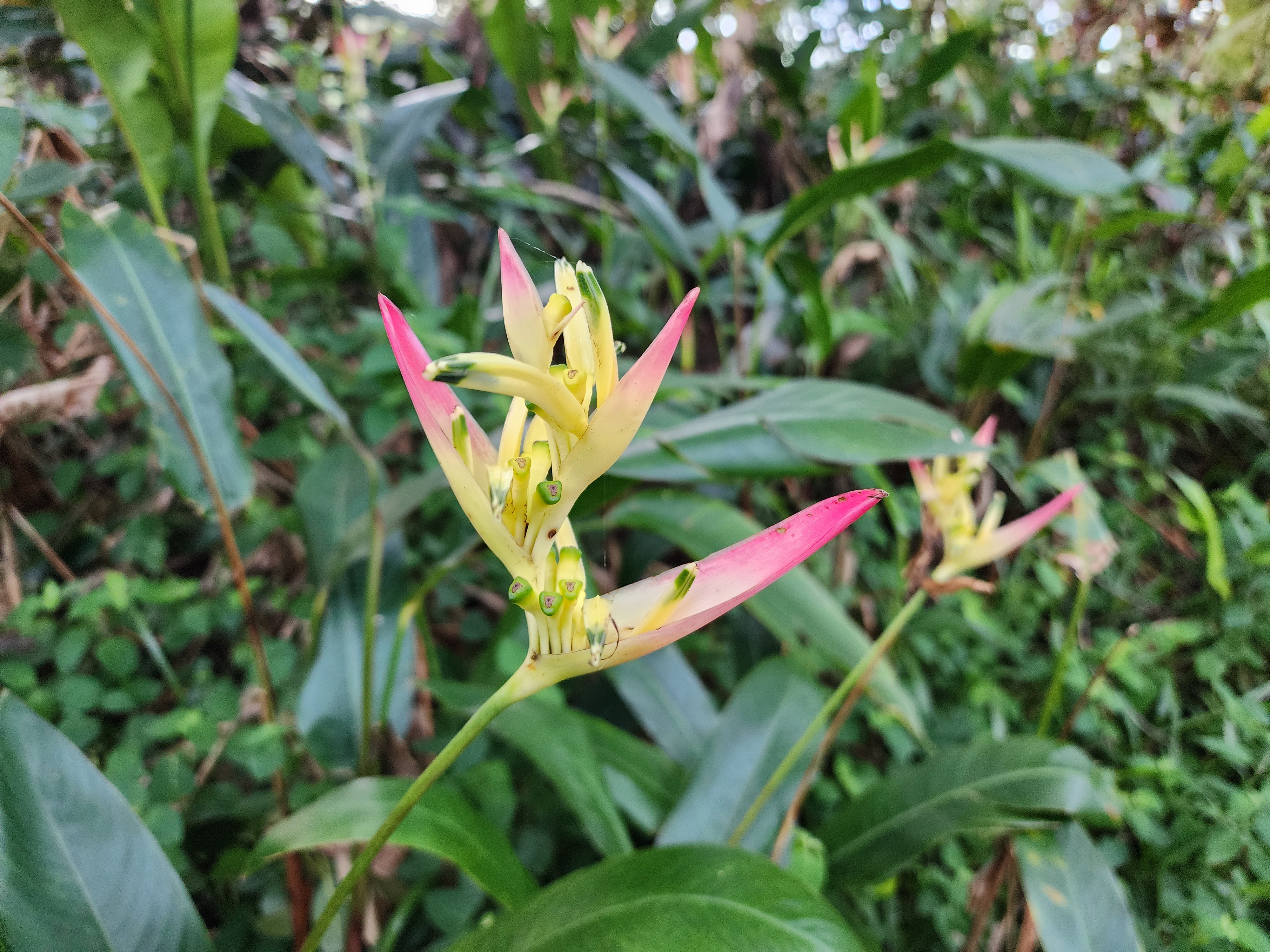
Google Lens tells me that we came across a patch of
Kahali
Ginger. The plant certainly looks like what I'd imagine would
grow in Hawai'i. And the name sounds Hawaiian, too.
H. gardnerianum has also been called kahili ginger due to its similarity to the kāhili feather staffs symbolic of Hawaiian aliʻi. However, many have taken to calling the plant Himalayan ginger given that the species is native to the Himalayas. A Hawaiian name can potentially mislead people to believe it is a native species.
You know that this plant is a significant problem
because
the Hawaii
Invasive Species Council is considering importing natural
enemies to tame it. Just think, next time we visit Maui, we
could be hearing all about invasive "flies from the genus
Merochlorops, large, conspicuous weevils from the genus
Metaprodictes, and moth larvae from the genus Artona."
Introducing new species seems like a massive risk, but I suppose
doing nothing isn't an option.
About
half
way down the hill on the return leg of loop, we came across this
tropical looking specimen:
Aha, I thought, surely this plant is a native Hawaiian species. Just
look at him (or
her?)! Reddit's
take on these pics is that I'm half right. Apparently, this is
a Ti
plant, and it was intentionally introduced by
the Polynesians
that settled the Islands of Hawaii. That means it's both
alien, and thoroughly Hawaiian.
Ti, also known as Ki, is one of the 23 plants that were brought by
the Polynesians when they voyaged to Hawaii. Collectively known
as canoe
plants, these plants served as a sort of civilization starter
kit; ensuring settlers had a reliable source of food, medicine and
tools when arriving at a new destination. Ti's
benefits
read like a sort of plant Swiss Army Knife.
In ancient times, the Ki served as a material for clothing, rain
gear, sandals, roof thatching, dinner plates, ceremonial activities,
fishing lures and making okolehao, an alcoholic brew from the ti
roots.
The canoe plant strategy helps me appreciate what the Polynesian
voyagers accomplished. Where, say, Christopher
Columbus's journey was like a moon mission: risky and ground
breaking, but ultimately intent on
returning home; the Polynesians were more like
colonizing Mars. That is, a mostly one way trip, intent on establishing a
civilization where one didn't exit. In that context, canoe plants
can be seen as a sort of a proto-terraforming project. Amazing. As NASA considers how it might allow humans
to thrive on
Mars, they are implicitly taking a page out of the Polynesians
handbook:
the the
right plants may make all the difference.
Form the Ti sighting, we made our way back to the car. Here, I
chugged a can of Aloha Maid Pass-O-Guava Nectar. Made in
Hawaii, this was probably the most native encounter we had all hike.
In the end, Kahakapao Loop Trail was a well marked, easy to follow
trail that helped us transition to vacation mode. If you're a
mountain biker, you'll no doubt love the trails and seemingly well
equipped practice area. For hikers, it
checks the box, but there was nothing spectacular about the loop. In
short, it was nice, but not a must do.